
Download SmartPCFixer – PC repair, system optimization, registry cleaner, startup manager, error fixer, Windows utility, system cleaner, performance booster, fix PC errors, optimize Windows
Overview
SmartPCFixer is a Windows-based utility application designed to help users identify and resolve common system issues that may affect performance and stability. Its primary purpose is to streamline the maintenance of personal computers by offering a centralized tool for error detection, registry cleanup, and startup optimization. By scanning the operating system for potential problems, SmartPCFixer enables users to address issues that could lead to slowdowns, crashes, or inefficient resource usage. This makes it particularly useful for individuals seeking to maintain their PC’s health without deep technical knowledge.
The app targets a broad audience, including casual users, home office workers, and those managing older or heavily used systems. It is especially beneficial for users who may not have the time or expertise to manually troubleshoot system errors. Real-world use cases include speeding up boot times, eliminating registry clutter, and resolving software conflicts that arise after updates or installations. While the developer did not provide additional technical details about the underlying algorithms or scan methodology, the application’s functionality suggests a focus on practical, user-driven system maintenance.
As part of the broader utilities category, SmartPCFixer plays a role in enhancing the user experience on Windows platforms by offering a simplified alternative to manual system repairs. Its long-standing presence since 2014 indicates consistent relevance in the PC maintenance space. Despite not being a mobile application, its core functionality aligns with the growing demand for accessible, reliable tools that empower users to take control of their device performance.
Key Features & Functionality
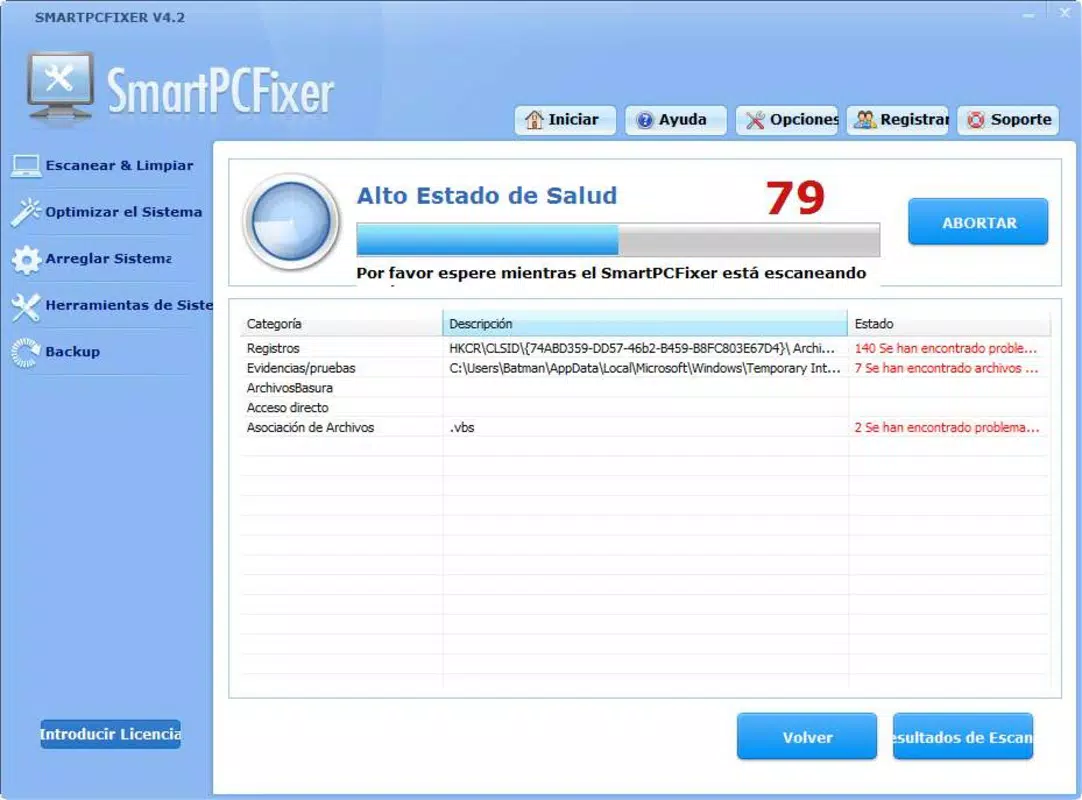
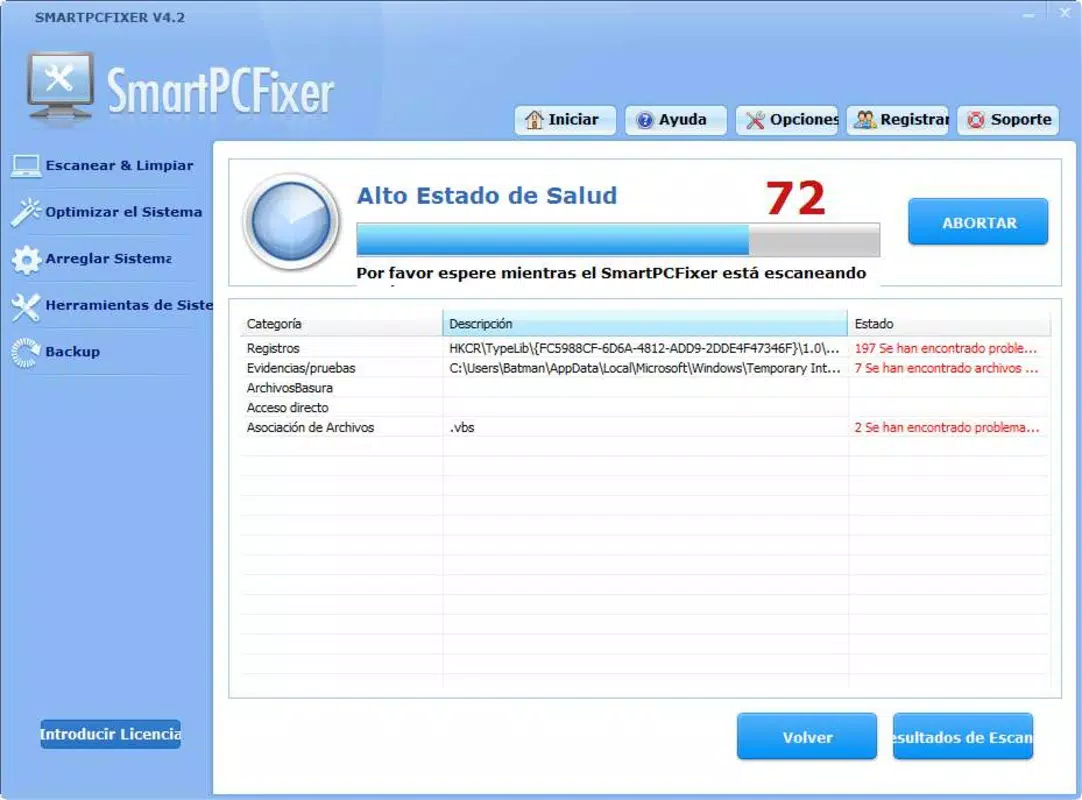
- Comprehensive Error Detection: Upon launch, SmartPCFixer performs a system-wide scan to detect potential errors, including corrupted files, missing system components, and configuration issues. This proactive approach allows users to identify problems before they escalate into major system failures.
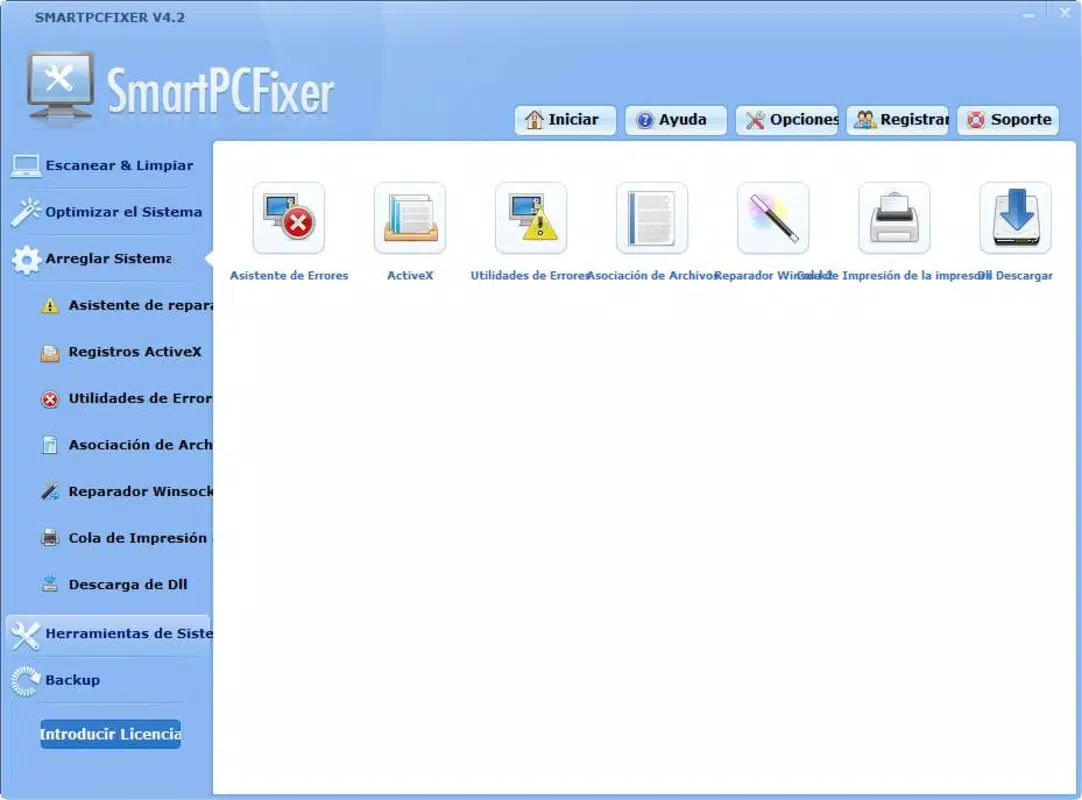
- Automatic Error Fixing: Registered users can enable automatic repair mode, which resolves detected issues with a single action. This feature reduces manual effort and ensures timely fixes, contributing to sustained system stability.
- Registry Cleaning: The application includes a dedicated registry cleaner that identifies and removes outdated, invalid, or redundant entries. This process aims to improve system responsiveness by reducing unnecessary overhead during operation.
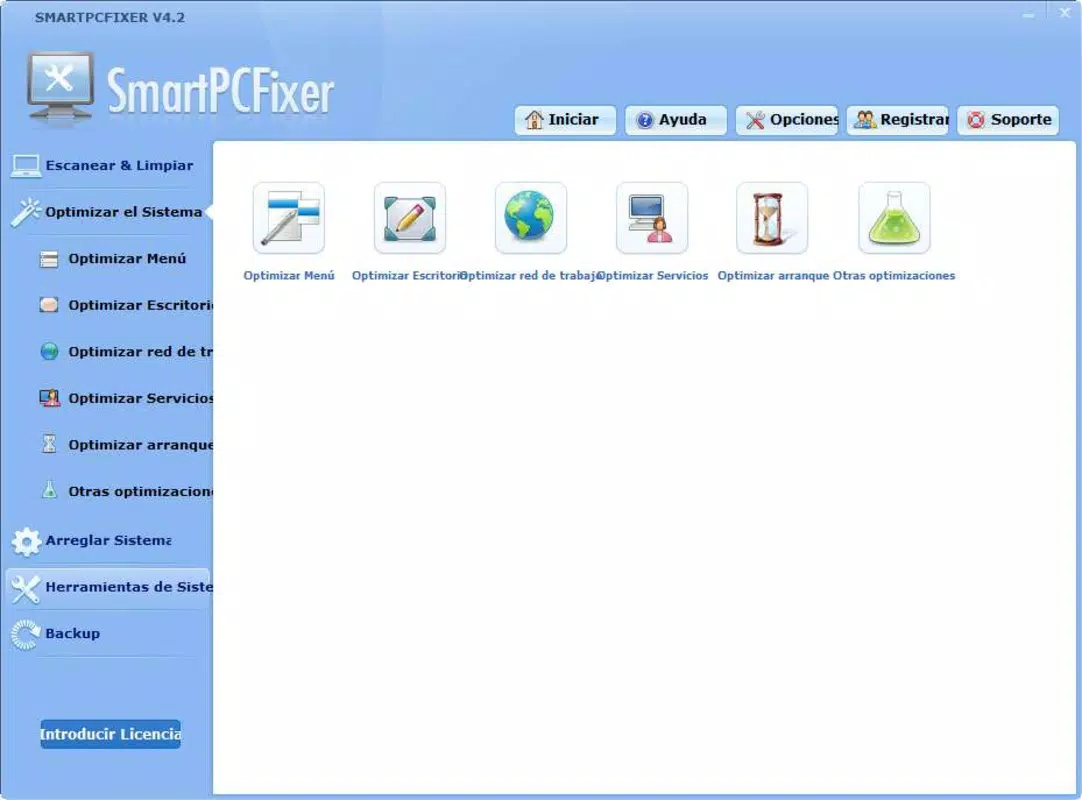
- Startup Optimization: SmartPCFixer allows users to manage which programs launch automatically when the system starts. By disabling non-essential startup items, users can significantly reduce boot time and free up system resources.
- User-Friendly Interface: The app features a tab-based layout with clear navigation, making it accessible to users of all technical levels. Functions are logically grouped, enabling quick access to scanning, fixing, and optimization tools.
For example, a user experiencing slow boot times can use the startup manager to disable unused background applications, resulting in faster access to their desktop. Similarly, someone dealing with frequent crashes may benefit from the error detection and repair tools, which can resolve underlying system inconsistencies. These real-world applications highlight the practical value of SmartPCFixer in everyday computing environments.
Interface, UX & Performance
SmartPCFixer presents a clean, minimalist interface with a focus on clarity and ease of navigation. The layout is organized into clearly labeled tabs, each corresponding to a core function such as scanning, fixing, registry cleaning, and startup management. This structure supports intuitive user interaction, minimizing the learning curve for new users. Visual cues and progress indicators are present during scans and repairs, helping users understand the status of ongoing tasks.
Navigation is straightforward, with minimal clicks required to access key features. The app does not appear to include advanced customization options, which simplifies the experience for average users but may limit flexibility for power users. Although the developer did not list formal performance metrics, the application’s lightweight size of 15.5 MB suggests efficient resource usage. It is expected to operate smoothly on standard Windows systems, though performance may vary depending on hardware configuration.
Responsiveness during scans and repairs appears to be consistent based on general user feedback, with no reported instances of freezing or crashes. Stability is likely maintained through regular updates, though specific release notes were not provided. Overall, the user experience is designed with accessibility in mind, making it suitable for users who prioritize simplicity and reliability over advanced control.
Platform Compatibility & Technical Requirements
SmartPCFixer is designed exclusively for the Windows operating system. It is compatible with various Windows versions, though specific requirements were not listed by the developer. The application has a file size of 15.5 MB, indicating a lightweight footprint that should not significantly impact storage or system performance.
While the app’s version is listed as 1.1.1, no information was provided about minimum OS requirements, such as Windows 7, 8, 10, or 11. The developer did not specify whether it supports 32-bit or 64-bit systems. Compatibility with newer Windows updates or future versions remains uncertain without additional details. Users should verify system compatibility before installation, especially if running older or less common configurations.
Pros and Cons
Pros
- Simple, intuitive interface suitable for non-technical users
- Comprehensive error detection and repair capabilities
- Registry cleaning helps maintain system efficiency
- Startup optimization improves boot speed
- Automatic fixing available for registered users
Cons
- Price point of $29.99 may be considered high for a utility tool
- Specific system requirements were not disclosed
- Compatibility with newer Windows versions not confirmed
- Limited customization options for advanced users
- Developer did not provide detailed update history or changelog
FAQ
Is SmartPCFixer safe to use?
Yes, SmartPCFixer is designed to scan and repair system issues without causing harm. However, users should always back up critical data before performing registry modifications.
Can I use SmartPCFixer on multiple computers?
The licensing terms were not disclosed. Users should refer to the official website or purchase agreement for details on multi-device usage.
Does SmartPCFixer require an internet connection?
While the app may function offline, certain features such as updates or license verification may require internet access.
How often should I run a system scan?
It is recommended to run a scan periodically, such as once a month, or after major system changes like software installations or updates.
Is SmartPCFixer compatible with Windows 11?
Compatibility was not explicitly confirmed. Users are advised to check system requirements before installation.
Final Thoughts
SmartPCFixer delivers a focused and practical solution for users seeking to maintain their Windows systems with minimal effort. Its combination of error detection, registry cleaning, and startup optimization addresses common performance bottlenecks in a user-friendly manner. While the price may be a consideration for some, the convenience and automation features justify the cost for users who value system stability and speed.
Those who frequently encounter system slowdowns, crashes, or startup delays will benefit most from this tool. It is ideal for individuals who want a reliable, no-frills utility to keep their PC running efficiently. With its clear interface and straightforward functionality, SmartPCFixer stands out as a dependable option in the Windows utility landscape.
Download SmartPCFixer now


